
Smartphone GPS Accuracy
Navigating to Your Property Boundary Points
Most modern UK smartphones are more accurate than you think — often within 0.5–3 metres of the true position. Here’s what to expect and how to get the best results when walking your boundary.
How Accurate Is Your Phone?
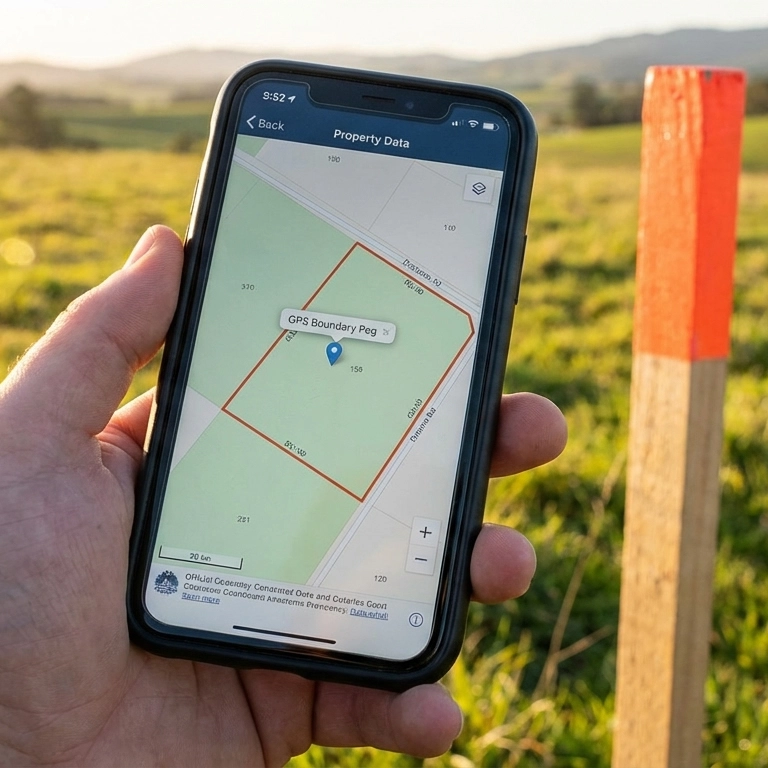
A BoundaryFinder report shows GPS coordinates for every boundary corner — your phone navigates directly to each point.
Most smartphones sold in the UK since 2020 carry dual-frequency GPS chips (L1 + L5), delivering 0.5–3 metre accuracy out of the box — close enough to identify your boundary fence, hedge, wall, or marker on the ground.
Dual-Frequency Phone — 0.5–3 Metres
0.5–3 metres (L1 + L5)
Modern phones use two GPS frequencies simultaneously. The second frequency (L5) corrects for atmospheric distortion, dramatically improving accuracy — especially in built-up areas. This is the standard on virtually all mid-range and premium phones today.
Supported phones: iPhone 12 and later • Samsung Galaxy S21 and later • Google Pixel 6 and later • Most mid-range Android phones from 2022 onwards.
Don’t have a dual-frequency phone? Older or budget devices without it typically see 3–10 metres — still enough to narrow down the right side of the garden, and enabling Wi-Fi and Bluetooth plus the tips below help close the gap.
Phone GPS is only one part of the equation. For the best real-world result, combine your phone’s position with a measured distance (tape measure, laser rangefinder, or careful pacing) and a compass bearing from a point you already know — see Use Bearing & Distance for a Better Result below.
Boost Your Accuracy Before You Go Outside
Turn Everything On
Your phone combines GPS satellites with other signals to pinpoint your location. Turn these on before walking your boundary for the best results:
- Bluetooth — helps detect nearby Bluetooth beacons for location refinement.
- Wi-Fi — even if not connected to a network, your phone scans nearby access points and uses their known positions to improve accuracy.
- Mobile data — enables A-GPS (Assisted GPS), which downloads satellite positions so your phone gets a fix faster and more accurately.
- High-accuracy / Precise Location mode — Android: Settings → Location → “High accuracy”. iPhone: Settings → Privacy → Location Services → enable “Precise Location” for your browser.
In short: turn everything on. Bluetooth, Wi-Fi, mobile data, and GPS all work together. The more signals your phone has, the more accurate your position.
0.5–3 m
is all you need to find your boundary fence, hedge, or marker
Over 60–70% of UK smartphone users already carry a dual-frequency GPS phone. With average upgrade cycles of 2–3 years, this number is growing rapidly. Your phone is almost certainly accurate enough.
Your Boundary Coordinates Come from Official HMLR Data
Understanding “General Boundaries”
Under the Land Registration Act 2002, UK title plans show general boundaries — the approximate position of the boundary, not a precise surveyed line. Our coordinates reflect this registered position. For a full explanation, see our general boundaries guide.
The GPS coordinates in your BoundaryFinder report are derived from HM Land Registry INSPIRE polygon data, processed and georeferenced against Ordnance Survey national mapping. These coordinates carry the accuracy of the underlying INSPIRE polygon data itself — they represent the official registered general boundary position, not a fresh on-the-ground survey.
The only variable is your phone’s ability to navigate to those coordinates. With a modern dual-frequency smartphone in good conditions, you can expect to get within 0.5–3 metres of each boundary corner — close enough to identify a fence line, hedge, wall, or physical boundary marker.
Tips for Best GPS Accuracy in the Field
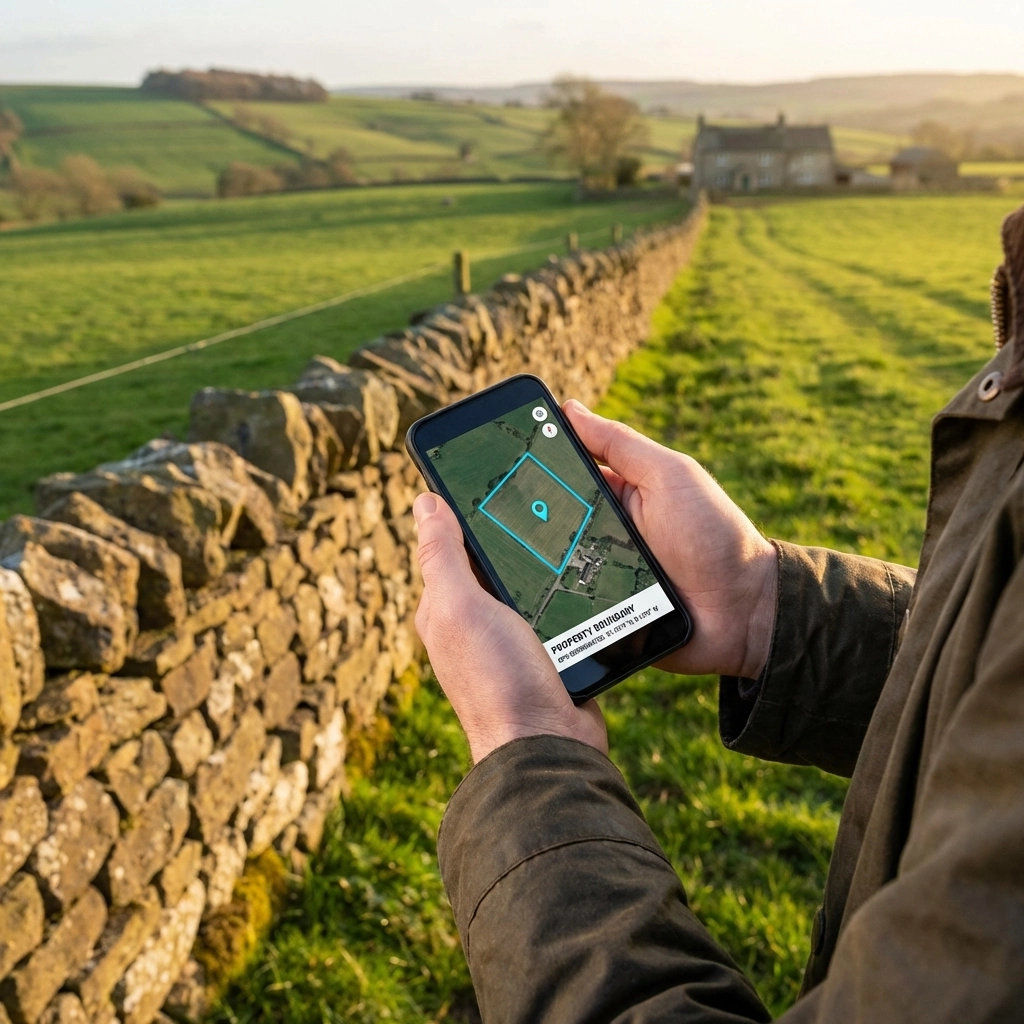
Standing in open sky and holding your phone flat gives the GPS chip the best possible view of the satellites overhead.
- Clear sky view — stand in the open, away from tall buildings, dense tree cover, and overhead structures. GPS signals come from satellites and need a clear line of sight.
- Hold your phone flat at waist height — keep the screen facing up with a clear view of the sky. Your phone’s GPS antenna sits behind the screen, so holding it flat gives it the best line of sight to satellites overhead. Walk slowly and steadily — quick movements reduce accuracy.
- Stand still for 20 seconds — let your phone acquire multiple satellite signals and average out the position. The first reading is usually the least accurate. In our testing, a Samsung Galaxy smartphone achieved 1.5 metre accuracy when held flat and kept still for just 20 seconds.
- Enable high-accuracy mode — on Android, go to Settings → Location → set to “High accuracy” (uses GPS, Wi-Fi, and mobile networks). On iPhone, ensure Location Services is on and set to “Precise Location” for your browser.
- Check your accuracy reading — our navigation panel shows your GPS accuracy in real time. If it reads “±3m” you can trust the direction and distance. If it reads “±15m” or more, wait for it to improve before walking.
- Use your phone’s compass — our compass bearing feature works best if you calibrate your phone’s compass first: move your phone in a figure-of-eight pattern a few times.
- Boundary markers are often buried — iron or concrete pegs may be 50–100 mm below the surface. A metal detector can help locate them once you’re within a few metres.
Get a Better Result: Use Bearing & Distance, Not Just the Blue Dot
Walking straight at a moving dot on a map means your whole walk is affected by GPS jitter — you’re chasing a point that has its own 0.5–3 metre wobble. A more reliable approach is to use a fixed bearing (compass direction) and distance (in metres) from a point you’ve already located, then walk a straight line and stop when the distance reaches zero.
Every BoundaryFinder report and preview map includes two free, built-in ways to do this:
“To Next Pt” Bearing & Distance
Once you’ve located one boundary corner, your report shows the bearing and distance to the next corner. Walk that compass bearing for the stated distance instead of hunting for a fresh blue dot — the error doesn’t compound from corner to corner.
UPRN Radial/Fan Map
Your report also shows the bearing and distance from your own front door (a known, fixed reference point, typically accurate to 1–3 metres in urban areas) to each boundary corner. Starting from a fixed point rather than another moving GPS reading makes this a useful independent check against your phone’s blue dot.
Combining either method with the tips above will get you a noticeably better real-world result than relying on the blue dot alone.
Ready to find your boundary corners?
Get Your Boundary Coordinates →Want Sub-Metre Accuracy?

An external GNSS receiver pairs with your phone via Bluetooth and delivers centimetre-level accuracy using free correction services like OS Net.
If your phone’s 0.5–3 metre accuracy isn’t quite enough — for example, to pinpoint a buried boundary peg — affordable external GNSS receivers can pair with your phone via Bluetooth and deliver centimetre-level accuracy.
We recommend the DataGNSS NANO Helix RTK, a compact Bluetooth GNSS receiver starting from around £80, which pairs with a free live correction service called rtk2go.
Our Recommended GNSS Receiver
The DataGNSS NANO Helix RTK is the sole device we recommend and use ourselves — centimetre accuracy with a free rtk2go RTK correction, straight out of the box.
View the NANO Helix RTK →Frequently Asked Questions
How accurate is smartphone GPS for finding a boundary peg?
Modern dual-frequency phones (iPhone 12+, Samsung S21+, Pixel 6+) deliver 0.5–3 metre accuracy in open conditions — close enough to identify the fence, wall, hedge, or buried marker at each boundary corner. Older single-frequency phones typically achieve 3–10 metres.
What is dual-frequency GPS in a smartphone?
Dual-frequency GPS uses two satellite signals simultaneously (L1 and L5). The L5 signal corrects for atmospheric errors and multipath reflections, improving accuracy from 3–10 metres to 0.5–3 metres. It’s standard on virtually all mid-range and premium UK phones since 2020.
Why does my phone GPS show ±10 metres sometimes?
High uncertainty readings mean your phone is still acquiring satellites or has obstructed sky view. Stand in the open, hold your phone flat with screen facing up, and wait 20–30 seconds. Make sure Wi-Fi, Bluetooth, and mobile data are all on — these all contribute to location accuracy.
Is iPhone GPS more accurate than Android?
Both modern iPhones (iPhone 12+) and Android flagships (Samsung S21+, Pixel 6+) use dual-frequency GPS and deliver similar 0.5–3 metre accuracy. Performance differences come down to the specific chip and antenna design, not the operating system. In practice, both are accurate enough for boundary navigation.
Can I use GPS to resolve a fence dispute?
GPS coordinates from your BoundaryFinder report help you physically locate the registered boundary position on the ground. They should not be used as sole legal evidence — UK title plans show “general boundaries” only. For formal dispute resolution, a chartered boundary surveyor can provide an expert determination.
When do I need a GNSS receiver instead of my phone?
For most boundary finding tasks your phone is accurate enough. Consider a GNSS receiver if you need sub-50cm accuracy to pinpoint a buried metal peg, if you’re in a heavily wooded or urban area with poor sky view, or if you’re undertaking formal boundary demarcation. Devices from around £80 — such as the DataGNSS NANO Helix RTK we recommend — pair via Bluetooth and use the free rtk2go RTK correction service.
For most customers, a modern smartphone is all you need. Our boundary coordinates come from official HMLR data — your phone just needs to get you close enough to identify the physical boundary feature on the ground. These coordinates show the general boundary area; the fence, hedge, or wall you can see is what you’re looking for.
Smartphone showing a property boundary map
Navigating to a boundary fence line with GPS
External GNSS receiver in the field